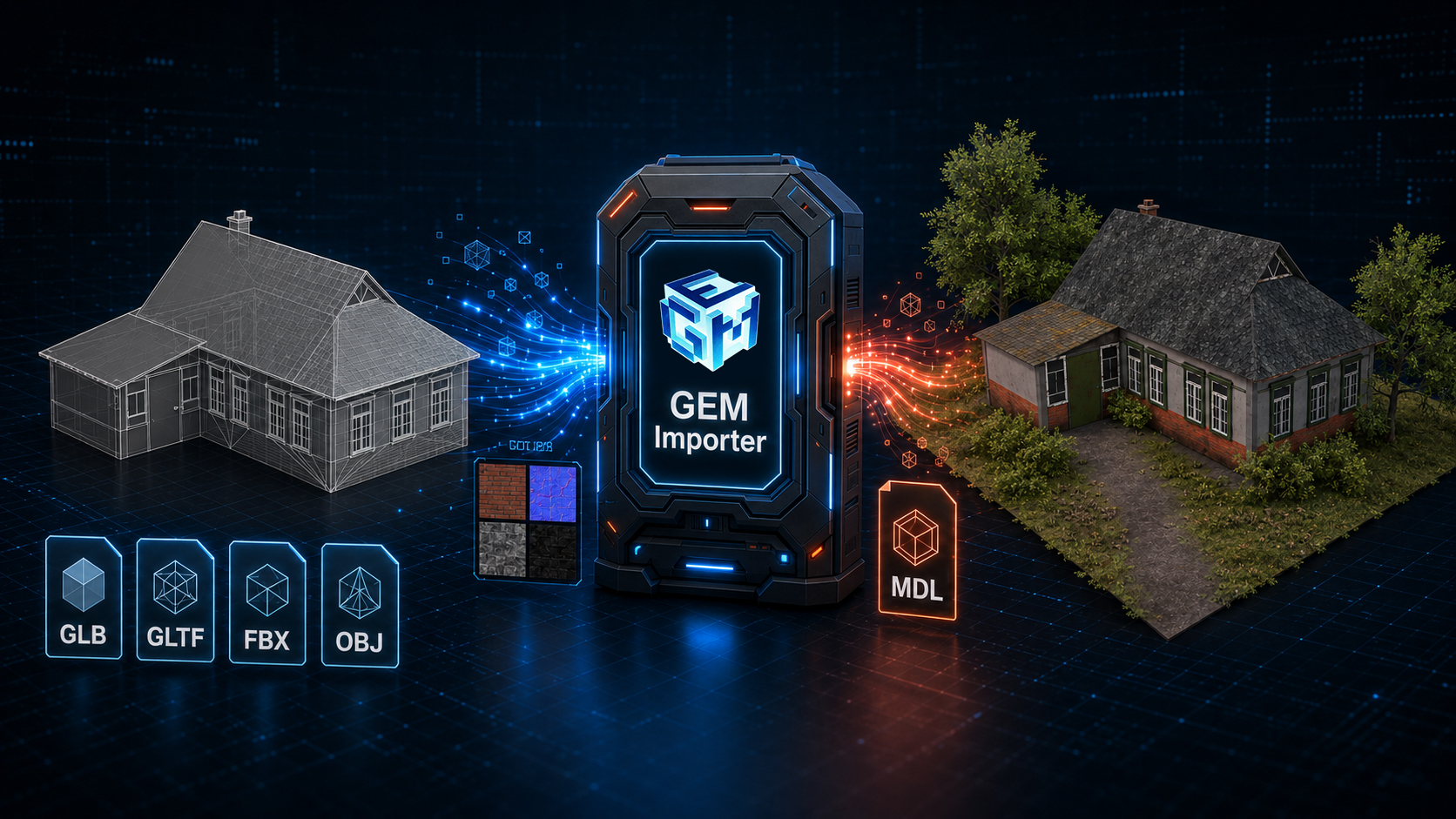



It was built on a heavily streamlined version of GEM2 engine.
Fully re-engineered rendering system. Backported the most requested features from GEM3. Integrated live services. Optimized for modern hardware. Designed for RTS/RTT single or multiplayer games.
All of that ultimately became GEM RTS.
The engine is data-driven, and most of its config files are text-based.
So the engine loads only the modules needed for a particular project.
Not only does it reduce the load time of the editor or game, but it also reduces the number of assets involved.
Text configs are straightforward, easy to understand, and pretty well documented. So script-based tools could be created to validate the database.
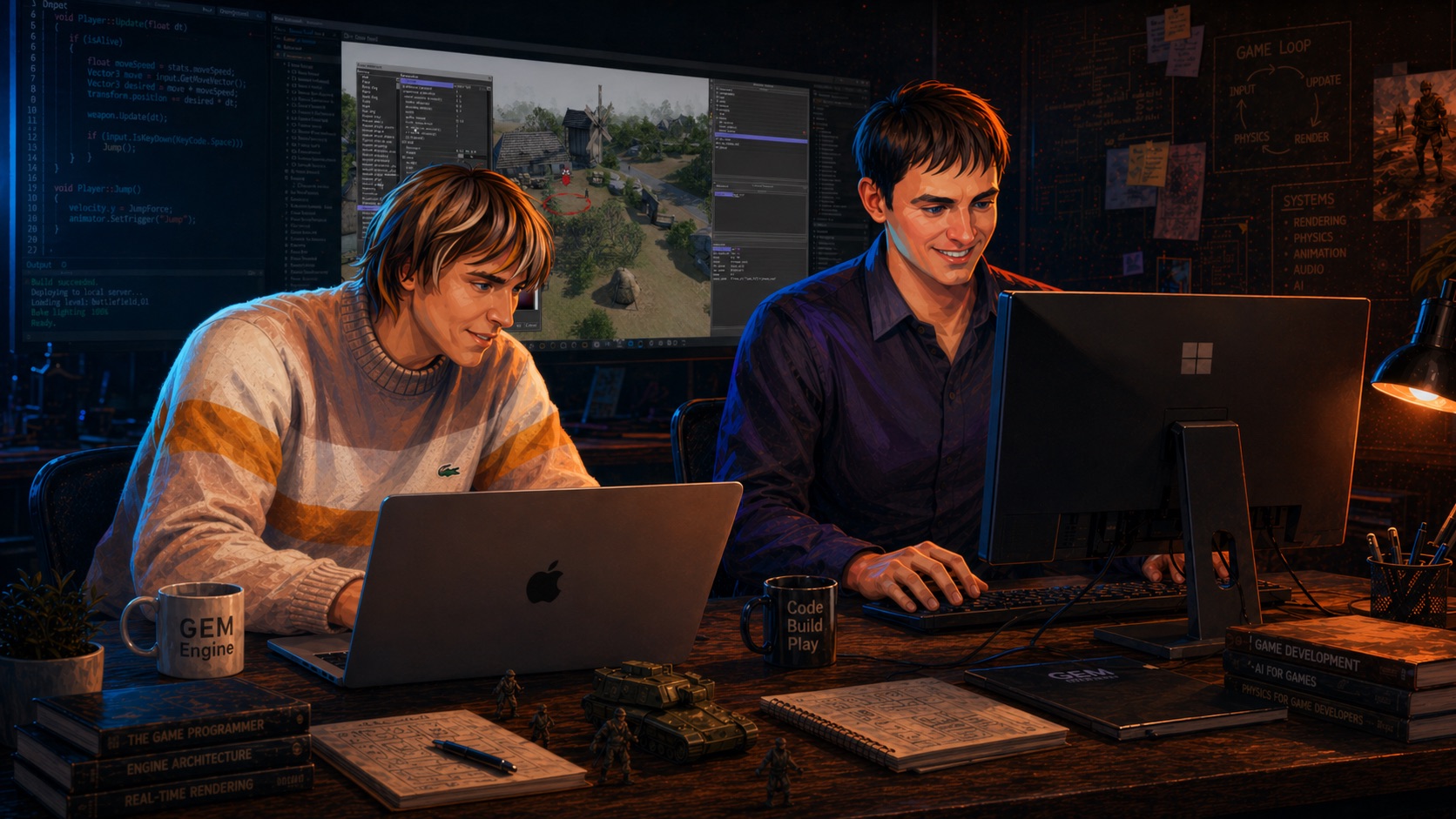
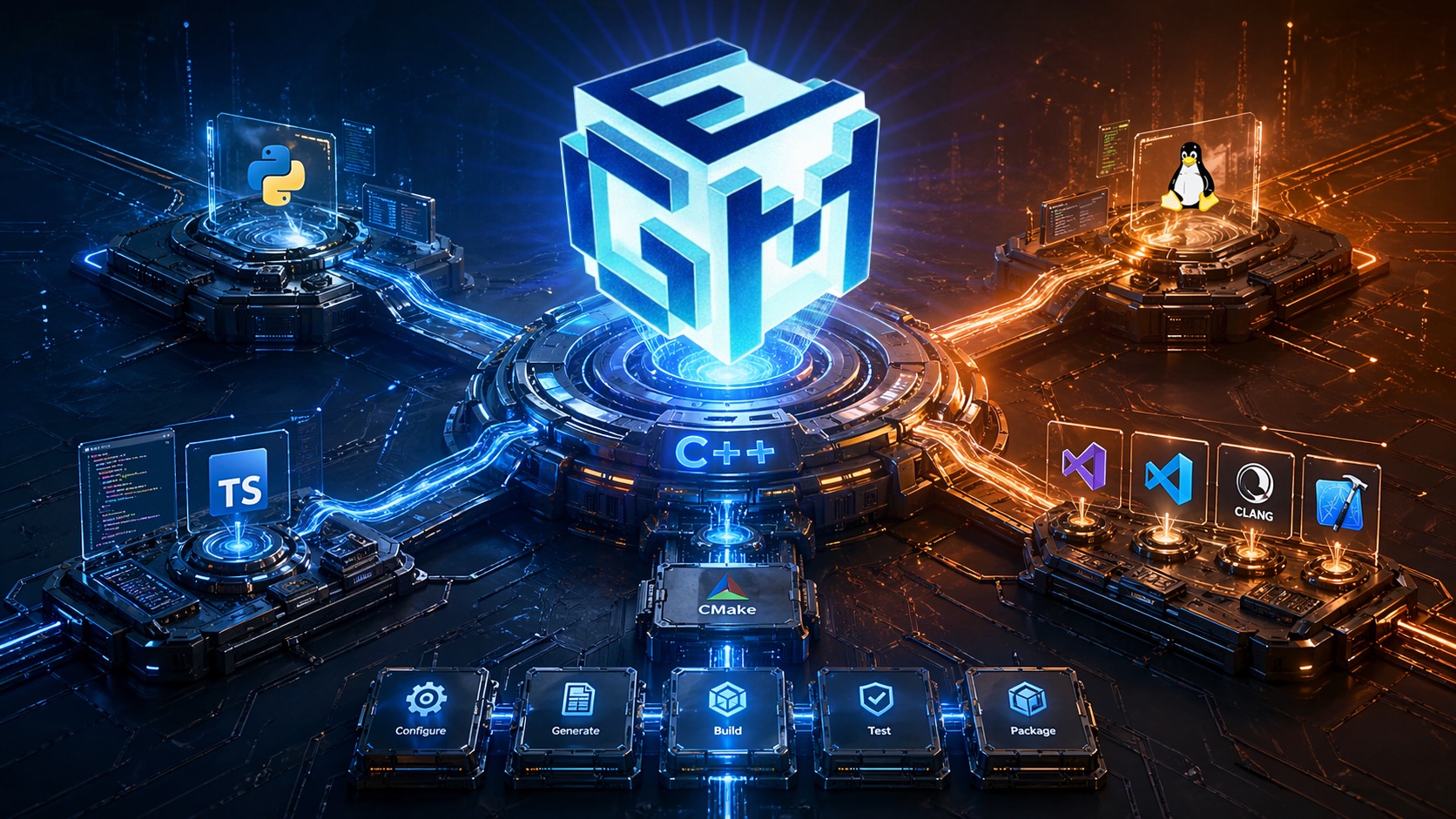
The engine and game core are written using the C++14 standard.
Clang is supported.
The build system is based on CMake.
Python is used for tool development, and TypeScript for backend and HTML UI.
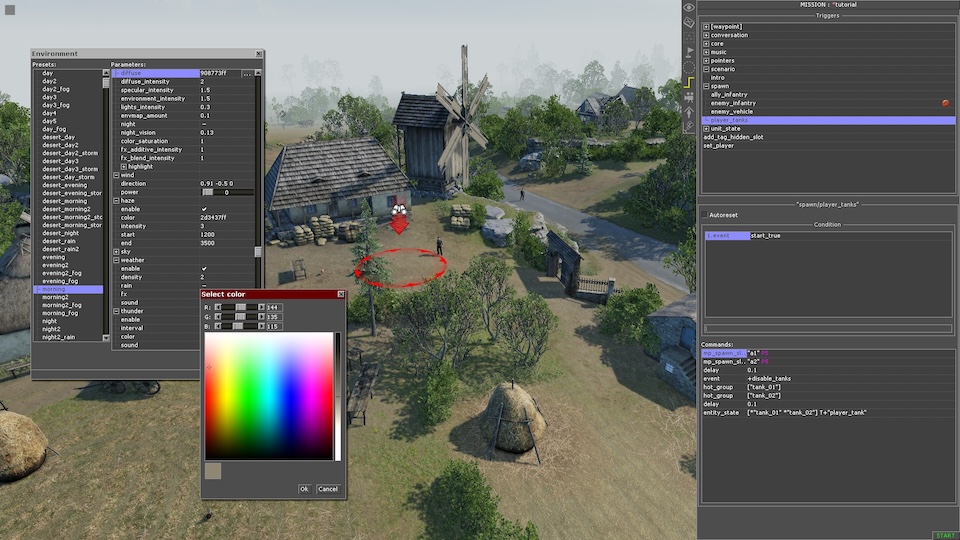
No baking process. No pre-rendering.
Level designers see the final quality in the editor. Changes can be implemented and tested quickly.
It greatly speeds up iterations, which are crucial at early stages of production, such as proof of concept, MVP, etc.
It also helps with refining assets.
Your developers will love it!
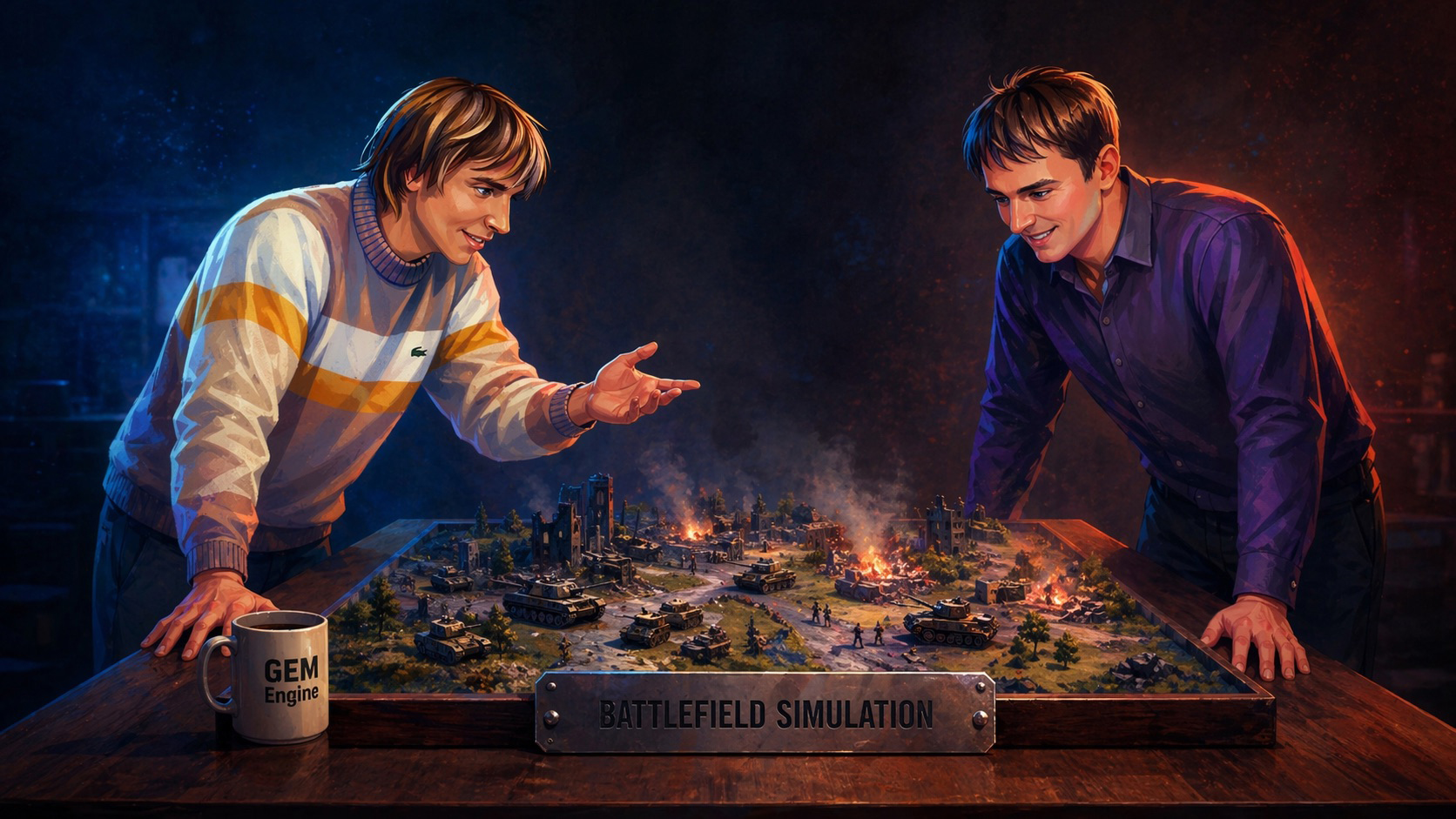
The engine offers a vast set of features, so you start with a powerful foundation.
Projectiles, ballistics, blast waves, fires, destructible environment.
Different kinds of vehicles (wheeled, tracked, airborne, waterborne, rail, stationary) with armor, crew, and functional parts.
Real-time visibility and audibility tracing, cover detection.
Behavior: single unit and squad movement & coordination, tactical maneuvers.
Performance: hundreds of units can behave autonomously, at the same time.
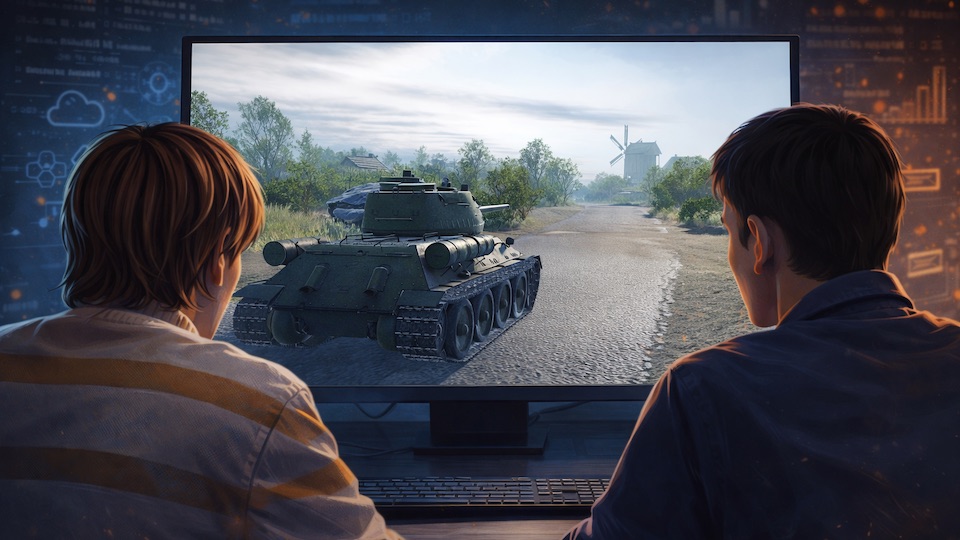
It uses DirectX 11 and Shader Model 5.
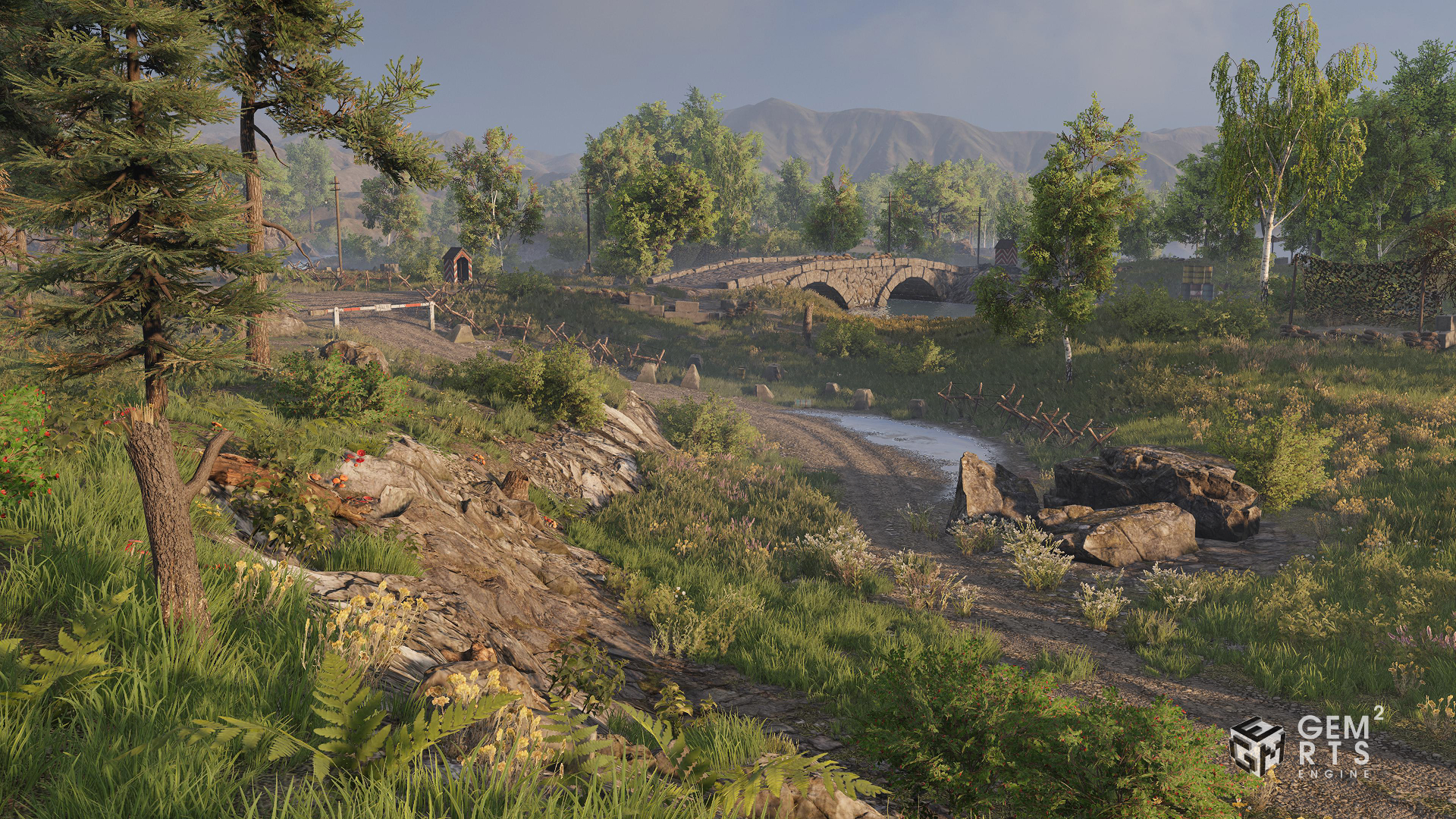
It supports PBR, HDR pipeline, LOD system, wind & fire simulation.
It offers a variety of post-processing effects: LUT, refraction, depth of field, SSAO, film grain, lens flare, etc.
It loads data and renders in a multi-threaded manner.

Supports key Steam features including but not limited to Lobby, Invites, Achievements, Stats, Leaderboards, Workshop, DLC checks, and Cloud.
Steam Deck support.
Full integration with Steam build & patch system.
From the very beginning your team can focus on the game itself rather than developing platform services from scratch.

GEM engines have always had a reputation for great user-generated content (UGC) support.
Since the very beginning, every generation has provided level and mission editors, and open data resources modifiable in many ways.
Now it offers even more.
The package system provides a neat and simple way to create and share user modifications (aka Mods).

Connection issues in a session-based multiplayer game could bring a great deal of frustration.
Now, for the first time in GEM series, we offer a sophisticated solution.
A player can rejoin the session they were dropped from.

Session Replays
Replays are useful in many ways.
They are crucial for competitive play when there is a need to verify that there was no cheating during the match.
They can be shared with friends.
And there is more to it.
Replays open up the possibility of implementing a lot of highly anticipated features, such as DeathCam, KillCam, BestKills, etc.

Despite the fact that the game itself may be online-oriented, it is still possible to have a full-featured solo play.
There's no need to design separate gameplay for singleplayer and multiplayer. One gameplay architecture works for both online and offline play.
The engine comes with a complete solution (client-side and server-side) for online games.
You won't need to involve third-party frameworks, so unexpected support changes won't put your product at risk.
You just plan your game's lifecycle based on your ambitions and resources.
Why use GEM RTS?
Ready to Start
GEM RTS comes as a complete development foundation where the core gameplay platform is already in place. Essential systems required for building a game are available from the start. This allows teams to move directly to prototyping, gameplay iteration, and content production without spending early stages on building basic infrastructure.
Playable Reference Project
The engine includes a fully functional sample game. It is designed to serve as a practical starting point for an MVP, a first playable prototype, or rapid gameplay validation.
Engineering Support
If your project requires systems beyond the existing engine functionality, the development team can assist with additional components. It can also extend the technology stack and handle technically demanding engineering tasks.
Market Entry
You do not have to start from scratch. Your game can use integration with Steam, Epic Games Store, or preferred server solutions. Custom business logic can be built on top of the GEM RTS backend.
The engine is a practical choice for teams aiming to build games in the spirit of Men of War, Call to Arms, or Majesty 2, where tactical control, simulation depth, and systemic gameplay are core to the experience. The engine was shaped through years of production on projects where every combat mechanic, unit interaction, and battlefield rule had to work under real shipping conditions. That accumulated experience can now be used as a ready development foundation for fast prototyping of projects that go beyond the original Men of War formula, including new gameplay structures, alternative settings, and custom tactical concepts without starting core systems from scratch.
1. RTS GAME
GEM RTS comes with a fully operable game. All the assets are in place, making it possible to learn how it all works and, at the same time, start prototyping your ideas.
1.1. Battlefield simulation
- Human movement, singular & squad behaviour
- Vehicle movement & behaviour: track, wheelborne, airborne, waterborne, mortars & cannons
- Vehicle crew roles, component-based operation & destruction (engine, tracks, guns, etc.)
- Visual perception based on high-performance CPU ray-tracing
- Acoustic perception. Any sound could be heard from a certain distance
- Projectile simulation: bullets, shells, rockets, grenades, bombs
- Explosion simulation
- Combustion & fire simulation
- Destructible environments: from small props to multi-storey buildings
- Cover system. Any suitable part of an environment, a bush, a shell hole, a wall part or a torn off tank turret, may be used as a cover, reducing visibility or/and protecting from bullets, with or without ability to shoot from there
1.2. Navigation
- Point and click control mode
- Direct control mode
- Top down camera
- Third-person camera
- First-person camera (vehicle only)
1.3. In-game UI
In-game UI is scalable and uses shaders for various effects, like button state blending, rounded bars, etc.
HUD Panels
- Context-dependent action buttons, customisable via user settings
- Reinforcements panel
- Unit state panel
- Minimap
- Mission objectives
- Mission event log
- NPC dialogues
- Unit specification under mouse cursor
- Unit inventory
- Squad panel
3D UI
- Bullet/shell tracers
- Vehicle part highlight when targeting
- Unit contour highlight / solid fill
- Unit state indicators, such as damage, action, movement formation, injured state, etc.
- Progress or capacity indicators: health, exhaustion, recoil, fuel, etc.
- Visibility sector
- Damage vector
- Targeting sector for cannons and mortars
- Attack range
- Shooting spread
- Covers
Context-based mouse cursor with Click & Drag actions
- Rotate a unit or a group of units
- Distribute a group of soldiers among covers to protect a certain direction
- Dig a trench
- Locate barbed wire
- Install a sand bag wall
- Mine an area
The full list is way longer, and may be extended with necessary actions
1.4. Mission Editor
Editor is capable of creating missions for both single player and multiplayer in the same way.
- Mission objectives are the tasks that players have to accomplish.
- Mission logic is based on Triggers.
Each trigger has a condition and an action list. In most cases a trigger switches only once, though it could be reset by another trigger, or by itself. - Conditions could be complex, combining the following logical operations: conjunction, disjunction, and inversion.
Condition elements can check an entity or unit state, or existence, or amount of units with certain tags, or presence in a certain zone, check mission objectives state, etc. - Actions could spawn or delete units or entities, change their state, add or remove tags, assign orders, change environment, play or stop music, manipulate with the mission objectives.
- Waypoints are used to specify static routes for units. A single waypoint just points to the exact position on a map.
- Zones are used to detect presence or absence units or entities in a certain part of a map.
2. Multiplayer
GEM RTS boasts rich multiplayer capabilities for PvP, PvE, and COOP missions, offering different connection protocols and ways of gathering players.
2.1. Multiplayer low-level
- Data exchange: IPC, Steam Networking, Game Networking Sockets, ENet network library, GEM network library with GEM backend
- Play through peer-to-peer connection, full synchronisation
- Play through dedicated servers, asynchronous, JIP is supported
- Servers are supported at local host, bare metal, or Game Lift (Amazon)
2.2. Multiplayer high-level
- Matchmaking: Steam or GEM backend
- PvP, PvE matches
- Customisable bots
- Autojoin
- Spectator mode
- Replays
- Profanity filter
- Predefined PvP match types: frontline, capture the flag, victory flag, death match, convoy, hunt
- UGC: scripts for match customisations, additional events & parameters
3. Online platforms
3.1. Steam
GEM RTS offers a comprehensive Steam API support:
- Matchmaking
- Friend list & invites
- Workshop
- Achievements
- Cloud Saves
- Inventory
Automated tools for deploying builds to Steam are provided.
3.2. Epic Game Store
There is authentication support and game/editor launcher for Epic Game Store.
3.3. GEM Online Backend
When Steam API is not enough or not possible to use, GEM RTS could offer its own implementation of online services written on TypeScript and to be hosted in AWS.
- Lobby: server selection, Mod support, team balancing, bots configuration, weather options.
- Architecture: network core + game-specific business logic.
- Infrastructure: ping measurements, NAT negotiations, performance monitoring.
- Data storage: matches history, replays, counters, quests, and awards.
- User accounts: registration, removal, GDPR requests, DLC checks, soft currency.
- Matchmaking: customisation by MMR and latency, auto team balance.
4. UGC support
This stands in the center of any project appreciating players’ creativity.
4.1. Text data
Most of the data files in GEM are texts, and only certain kinds of data are kept as binary files. Both formats, text and binary, are well documented. So not only developers, but also players should feel comfortable editing them according to their needs.
4.2. Binary data
As for binaries, import / export tools may be created for batch porting assets from / to other projects, because, as it has been already told, formats are documented.
4.3 Content Editors
Level and Mission editors used to be part and parcel of every single project using GEM engines. From the very beginning it was easy to create your own content. A prop, a unit, a map. Or a Mod, containing various assets.
4.4. Workshop
At some point GEM got Steam Workshop integration. Since then the modding process, and especially sharing of UGC, was simplified and formalised, allowing less advanced users to participate.
4.5. Open to customization
GEM RTS is a real gem in that sense. It already contains a plethora of systems, most of which are highly customisable, so what’s possible is basically limited by players’ imagination.
5. GEM RTS Editor
5.1. Landscape Editor
A very convenient familiar editor for creating maps. Includes a lot of tools:
- Heightmap editing tool
- Water editor
- Spline editor for roads
- Flora populating tool
- Asset analyser
Full support of undo/redo for all operations.
5.2. Environment & Weather Editor
Global illumination & shadows, skybox, post-processing, weather effects, and more.
This all is configured via presets. An environment preset may be applied instantly, or gradually blended from the current state.
5.3. Particle FX Editor
It is an easy way to create your own particle-based VFX. You just add blocks controlling particles’ life: spawn, modify parameters, collide, die. It can be accompanied by light sources, sounds, and decals. Preview is available at any moment.
5.4. Material Editor
No need to be a programmer to modify an existing material or create a new one. Make your own materials out of bricks, connecting them one to another. And the engine will take the rest: validation and building a HLSL shader. Easy-peasy. Foolproof. With full support of undo/redo and copy/paste operations.
6. ENGINE LAYER
GEM RTS itself comes as a full-fledged infrastructure, with an original code style, and a reasonable hierarchy of modules.
Virtual file system that is capable of remapping files and folders. Compression, encryption, and digital signing are supported for .pak files. It can seamlessly concatenate text files from different folders into one.
The engine natively supports UTF-8 encoding. It can switch localisation packages from one to another in realtime.
6.1. Rendering
- DirectX 11 Shader Model 5.0
- Command lists
- Multi-threaded data loading
- Multi-threaded rendering
- PBR materials
- HDR
- Post-processing
- Wind shader
- Fire shader
- Burnt material shader
- Hot air distortion
- Instance-based grass that also could be burnt
- Water material, refraction effect, realtime reflections
- Particle VFX: 4k textures, water reflections, shadows & lights, soft edges, mesh trails
6.2. Physics
Default physics simulator based on FMBP open source library. Physics implementation may be easily replaced through API to a more advanced one.
6.3. Sound
Sound API allows the use of different implementations. The default is OpenAL. WAV, OGG, MP3 are supported. HDR, filters, priority, yielding, and attenuation. The sound system is capable of effectively managing tons of sounds without creating a mess and remaining acoustically pleasant.
Ability to link sounds to moving objects or even object parts, for instance, feet.
6.4. Geometry library
Integrated GJK collision library. Which supports basic 2d and 3d primitives, including polygons and convex meshes. Also available basic math functions, and linear transformations of 2d and 3d primitives.
7. Debugging & profiling
There’s a deep understanding of how crucial are the instruments for debugging. The sooner a developer finds the roots of a problem, the faster a solution will be provided.
7.1. Console
This is a very basic level but yet a powerful instrument to debug information and tons of tweaks. Build-in typing assistant for commands and variables. All the console output could be found in the console.log file. All the messages, from severe errors to minor issues (warnings) in most cases have the context - a chain of files, pointing to a place, where it all started. It really helps to quickly identify the root of a problem.
7.2. Visual debugging
There’re plenty of things that can be drawn in 3d, i.e. navigation mesh, collision volumes, visibility sectors, moving paths, etc. And a simple way to draw additional game-specific information. 2d debug drawings also exist, UI elements’ highlights as an example.
7.3. Profiler
Another basic tool, pretty simple, though can be very handy in investigating performance problems. Whereas external profilers help with general code optimisations, finding bottle-necks and numerous heavy function calls per frame, GEM Profiler is helpful in a constant performance monitoring of a small piece of code, a class, or a function.
Games with this Engine