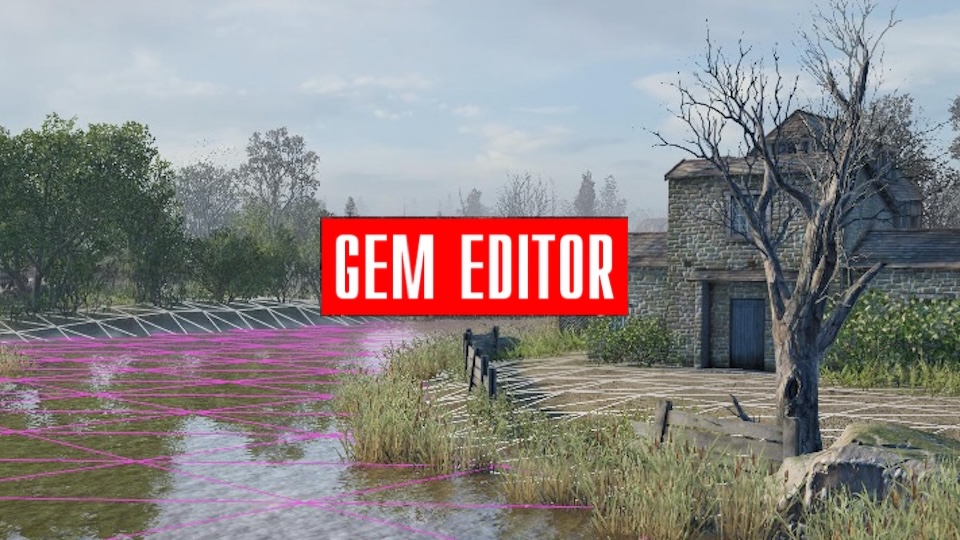

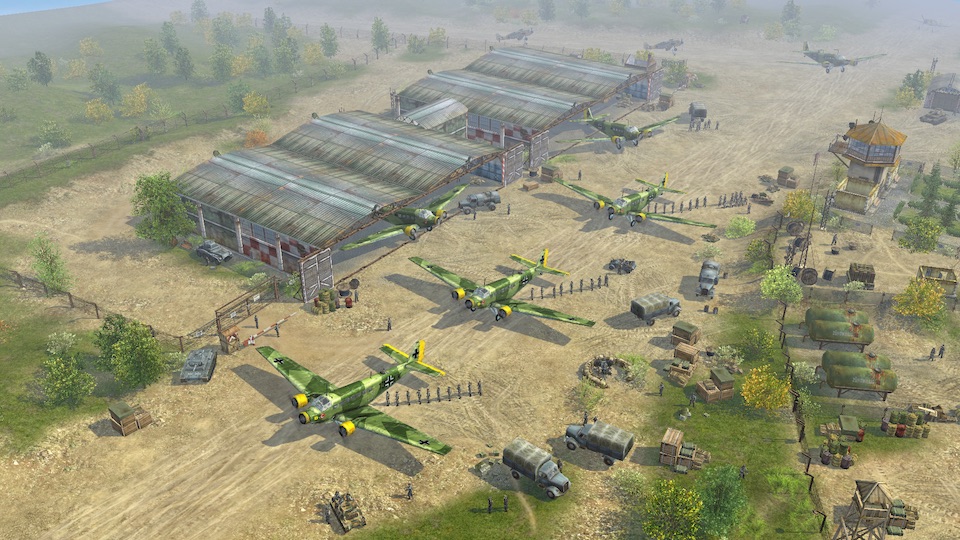


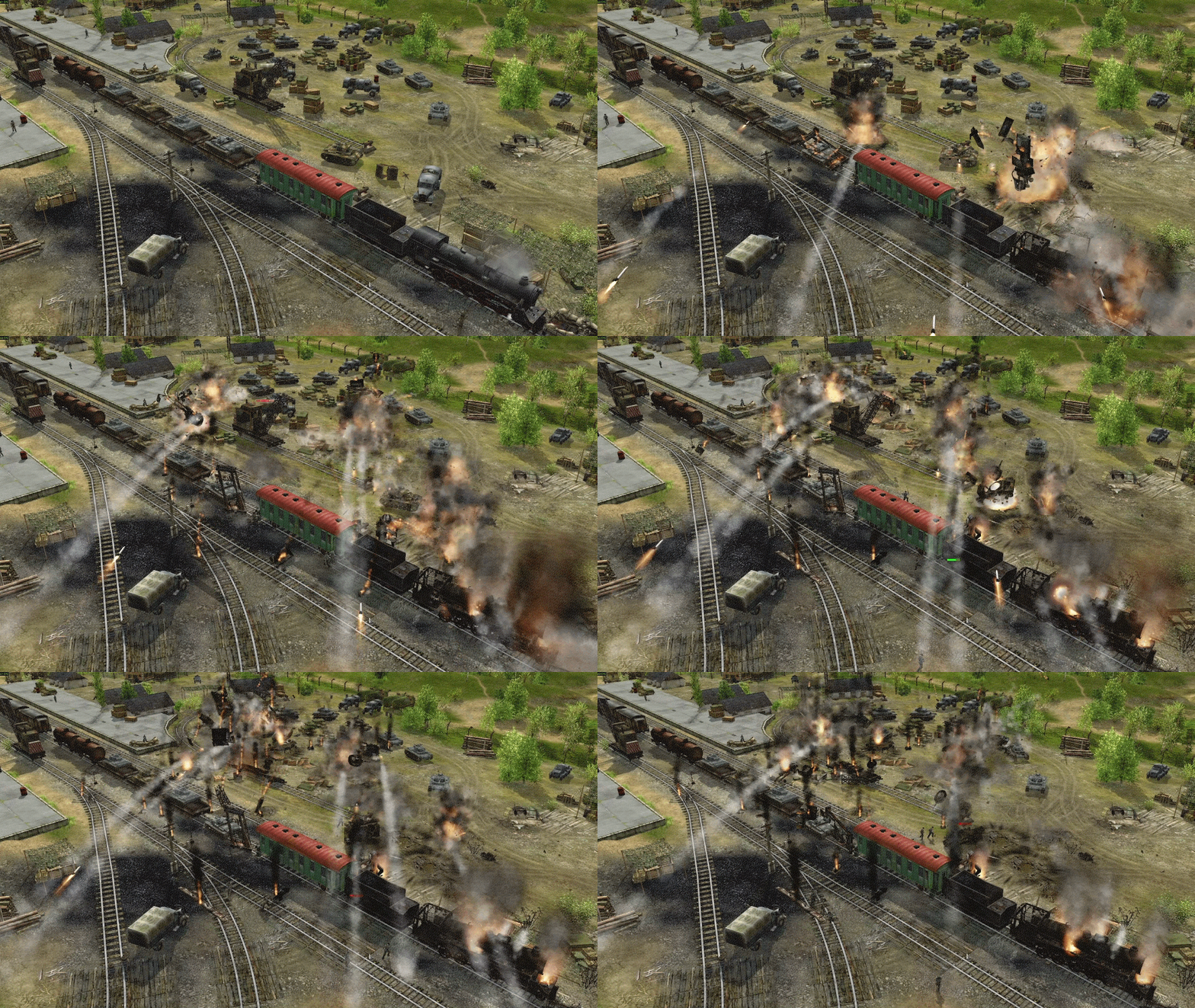

Gem1 is Best Way’s proprietary game engine, first used to create Soldiers: Heroes of World War II (2004).
In 2025, the technology was updated for modern systems, ensuring stable operation and compatibility with new platforms.
The updates include support for widescreen monitors, 4K resolution and VSync, rendering at up to 1000 FPS, and automatic selection of the discrete GPU on laptops. The engine retains a 32-bit architecture, but, thanks to LARGE_ADDRESS_AWARE, can use up to 4 GB of RAM. Windows 10 and 11 and multi-core processors are supported.
The graphics subsystem is based on DirectX 9, guaranteeing time-tested stability and high performance.
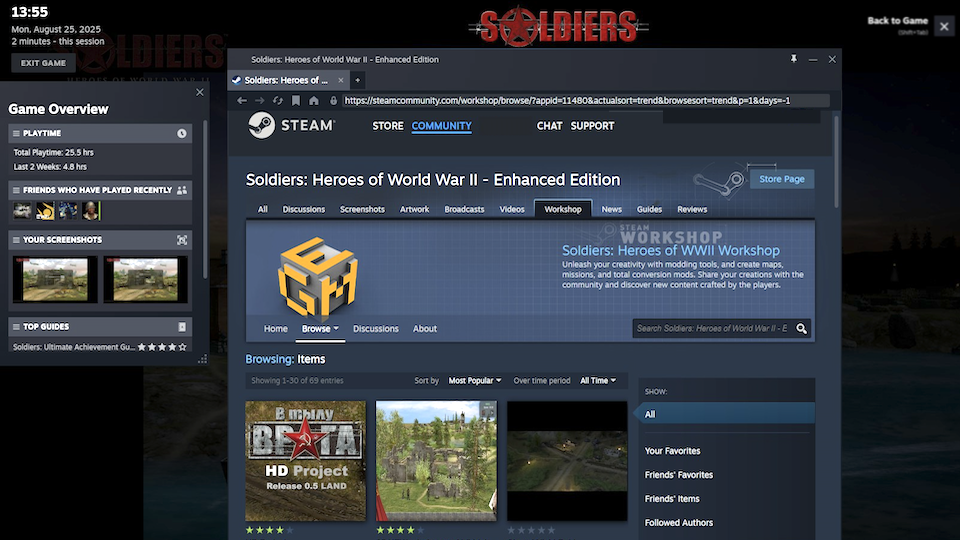
For networked games and service functions, integration with Steam is implemented: Achievements & Stats, Steam Networking, direct invitations to sessions, and Steam Cloud. Steam Workshop support provides convenient sharing of modifications between users.
Gem1 remains a great foundation for creating tactical and strategic 3D games, brought up to date for modern requirements.
Engine Key Features



Detailed list of components of the Gem1 game engine
General Information
Programming language:
C++
External technologies:
DirectX9
DirectSound
DirectMedia
Steam Networking
Used libraries:
GJK (for determining contact between convex objects)
FMBP (for calculating interaction of physical bodies)
Operating system support:
32-bit code
Support for running on modern multi-core processors
Support for Windows 10, 11
Support for up to 4 GB of memory via LARGE_ADDRESS_AWARE
Player profile located in %LOCALAPPDATA%
Automatic selection of high-performance GPUs on laptops
External systems support:
Steam
Core Engine Capabilities
Debugging and In-Game Event Logging Tools:
- Built-in debug console
- Debug console commands
- Built-in visual debugging of all core systems
- Built-in profiler
- Event logging system
- Message exchange system between game components
- Data exchange system between game components and scripts
Organization and Architecture of Game Resources:
- Support for a virtual file system
- Packaging of game data into ZIP archives
- Text-based SDL data format for fast iteration in development
- Main hierarchy of game objects:
- Scene
- Objects on the scene: active, passive, and visual-only
- Object bones
- Views in bones
- Functionality extension system for each game object - extender
- Supported file formats:
- DDS
- TGA
- BMP
3D World and Geometry:
- Full set of functions for working with matrices and geometric primitives
- Cutting holes in the 3D landscape for trenches and craters
Built-in UI
- Custom UI system with a full set of interface primitives (texts, labels, combo boxes, lists, etc.)
- Automatic interface scaling
- Configurable game options system
- Support for screen switching
Localization Support
- Ability to switch localization resources via separate folders
- Localization support via .lng files
- Support for both anti-aliased and 1-bit fonts
- Switching fonts through styles and localization
- Support for all European languages
- Support for Chinese via a dedicated split font system
Built-in Particle System (for special effects and visual effects)
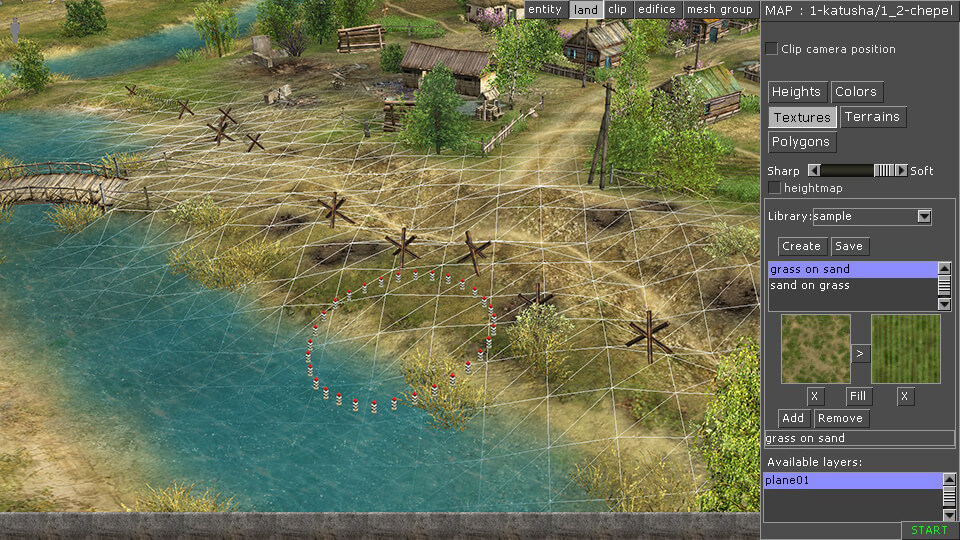
Built-in Editor
Integrated editors (the editor is part of the game; a mission can be launched not only through the game interface from a separate launcher but also directly from the editor)
- Landscape and terrain type editor
- Map object editor
- Mission logic editor
- Environment settings
- Particle system settings
- Camera movement editor
- Restriction zone editor
- Soldier appearance editor (specific look, skills, inventory)
Modding Support
- Support for mods both standalone and via Steam Workshop
- Ability to override files in mods through the virtual file system
- Human-readable text configuration files for game settings
Optimization (for performance):
- Preloading of objects before missions
Game control:
- In single-player mode, game speed adjustment and pause are available.
- Support for various difficulty levels.
- Support for multiple player profiles (a player can create several game profiles, for example, for different family members).
- Support for creating saves in single-player mode at any point in mission progress, with full preservation of all data (after loading a save, the mission continues exactly from the point where it was saved).
- Save System
- Ability to save and load the game world both during battle and in the editor.
- Automatic World Cleanup System
- Removal of corpses, destroyed vehicles, and other expired objects.
Engine Components
Physics
- Broad phase
- Narrow phase
- Limiting the number of ground contacts
- Object stabilization
- Contacts between objects using convex shapes
- Object contacts with ground and water
- Physics implemented using the FMBP library
Graphics
Display
- Fullscreen mode only
- Support for widescreen monitors
- Support for 4K resolutions
- Support for VSync
- Ability to render up to 1000 FPS
Rendering
- 3D direct rendering
- Per-vertex lighting of terrain and objects - ambient + diffuse
- Diffuse textures only for objects
- Blending of two ground textures
- Support for shadows:
- Disabled shadows
- Sprite-based shadows
- Separate shadows per object
- Trapezoidal shadow map
- Supported Visual Object Types:
- Decals
- Light sources
- Particle systems
- Polygonal meshes
- Sprites
- Voxel objects
Sound and Music
- Via DirectSound
- Music format: .wma
- Sound format: .wav
Video
- Via DirectMedia
- Format: .wmv
Animations
- Inverse kinematics
- Skeletal animation
- Mesh animation
- Texture scrolling
- Finite state machine for animation sequencing
Game World
*Section describing built-in gameplay mechanics
Simulation of reality:
- simulation of visibility and target accessibility by ray tracing through the scene;
- object sampling by two-dimensional zones;
- support for switchable clips of game-world boundaries that cannot be crossed;
- detection of physical contact between scene objects;
- parabolic trajectories of bullets and projectiles;
- simulation of a railway network;
- simulation of water;
- ability to link objects to one another (for example, a grenade to a unit’s hand, a passenger to a vehicle seat or onto vehicle armor).
Simulation of unit capabilities:
- movement according to the unit’s chassis type with consideration of obstacles along the path;
- use of inventory items;
- use of game-world objects as cover (including terrain folds);
- a “human” unit can use vehicle units (drive, refuel, repair damaged components, use mounted weapons, replenish ammunition);
- a “human” unit can use buildings and other functional scene objects (ability to enter a building and fire from first-floor windows, ability to place a soldier in cover near windows on other floors);
- units can fire various types of weapons (a “human” unit supports melee, cold, and throwing weapons);
- support for swimming in water; in swamps units sink.
Simulation of Military Vehicles and Machines
- Chassis system with specific simulation for:
- Wheeled vehicles
- Tracked vehicles
- Aircraft
- Ships
- Infantry
- Trains
- Crew System:
- Each crew member performs a specific function
- Each crew member has an assigned seat (visible or invisible)
- Ability for crew embarkation/disembarkation with corresponding animation
- Fuel system - vehicles can be refueled or drained
Inventory System
Active objects (units) can have inventories; inventory capacity and composition depend on unit type:
- Weapons can be held, mounted on vehicles, or removed
- Weapons can be reloaded
- Items can be carried in hands and used
- Objects can have internal contents (e.g., bullets in a weapon, fuel in a barrel)
Weapon System
- Each object can have N different types of weapons
Real-Time Cover Calculation System
- Dynamically calculated cover for soldiers
Pathfinding
- Pathfinding for vehicles of varying cross-country ability
- Specialized pathfinding for infantry
- Support for obstacle systems for passive and active objects
Visibility System
The system is based on vision cones and ray tracing through a 2D grid, taking into account terrain geometry and placed (including dynamic) objects
- Takes into account weather (night/day/lightning)
- Takes into account lighting (better visibility under light sources)
- Takes into account player states
Object Combustion System
Scene objects can catch fire, ignite from explosions or nearby burning objects
Damage System
- Component-based vehicle damage system
- Detailed building damage system (by sections)
- Damage from bullets and shells
- Support for physically simulated grenades
- Explosion damage considering physical obstacles
- Fire damage
Behavior and Control Simulation
- Multilevel order system
- Script system for individually configuring object reactions to stimuli
- Mission logic includes:
- Player objectives
- Triggers with conditions
- Object sampling
- Commands from AI and scripted reactions
- Zones
- Waypoints
- Current boundaries of the active map zone (clips)
AI-Controlled Unit Behavior System
- Individual sensor determining an actor’s knowledge of the surrounding world
- Processing of signals from the external world
- Information sharing with nearby units
- Target selection by AI based on priorities
- Behavior support for various unit types: soldiers, wheeled, tracked, trains, aircraft
- Different soldier behavior schemes - in cover, in open terrain, searching for enemies
- Animal behavior schemes
Fog of War
Units can be hidden by fog of war
- Available options: fog on/off
- Unit visibility in fog for other units is calculated via the visibility map
- Unit visibility in fog for the player:
- If fog is off - all enemies are visible on the map
- If fog is on - only enemies visible to the player’s units are shown
Player Unit Control
- Management of unit inventory and item exchange between units
- Indirect RTS-style control via unit selection box and issuing commands
- Direct control of individual units with simultaneous movement, aiming, and attacking
- Extendable player command system
- Minimap
- Inventory Management